Namaste Amigos, In 2025 artificial intelligence is no longer a futuristic idea — it’s something we use daily to save time, increase productivity, and even spark creativity. Whether you’re a student, freelancer, creator, or just someone trying to get more done, AI tools can seriously simplify your life.
From writing emails to designing visuals or organizing your tasks, these tools are easy to use and — best of all — completely free to get started with.
Let’s explore 5 free AI tools you can use every day in 2025 that will actually make a difference.
🧩 1. ChatGPT – Your Smart Daily Assistant

🔑 Use it for: Writing help, coding support, idea generation, Q&A
🌐 Link: https://chat.openai.com
Whether you’re drafting an email, writing blog content, or stuck on a problem — ChatGPT can help you think faster. It’s like having a personal assistant available 24/7.
✅ Pro Tip: Try asking ChatGPT to create to-do lists, summarize long articles, or generate creative social media captions.
🎨 2. Canva Magic Studio – AI-Powered Design

🔑 Use it for: Designing resumes, social posts, banners, or presentations
🌐 Link: https://www.canva.com/magic-studio
You don’t need to be a designer to create professional graphics anymore. Canva’s new AI features let you auto-generate images, adjust design styles, and even write copy for your visuals.
✅ Pro Tip: Use the Magic Design tool to turn your idea into a beautiful design in seconds.
✍️ 3. Grammarly – AI Writing Assistant
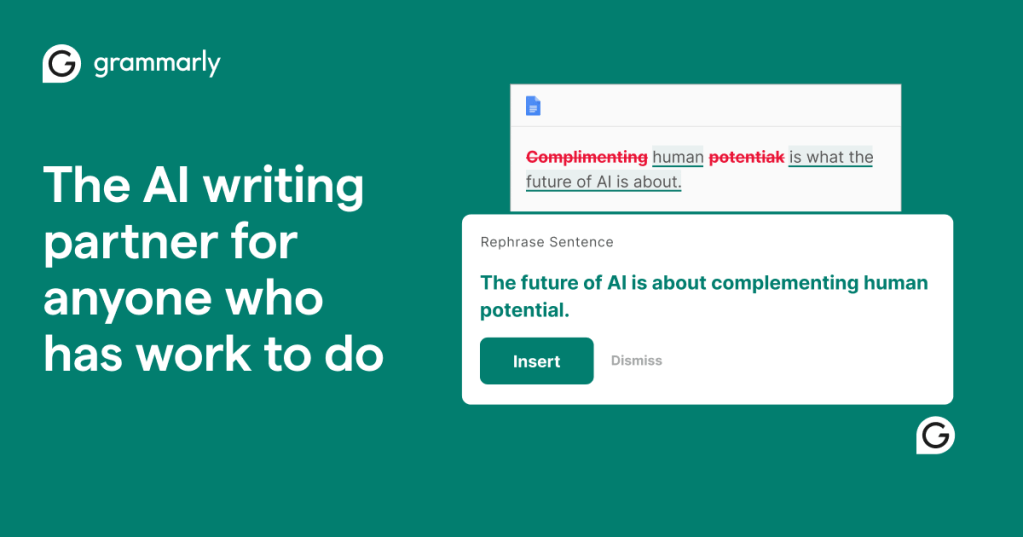
🔑 Use it for: Grammar correction, tone improvement, content clarity
🌐 Link: https://www.grammarly.com
Grammarly goes beyond spelling checks. Its AI can rewrite awkward sentences, suggest a better tone, and help your writing look more polished and professional.
✅ Pro Tip: Use Grammarly’s Generative AI feature to rewrite content in seconds — great for emails, essays, and social posts.
🗂️ 4. Notion AI – Organize Your Brain
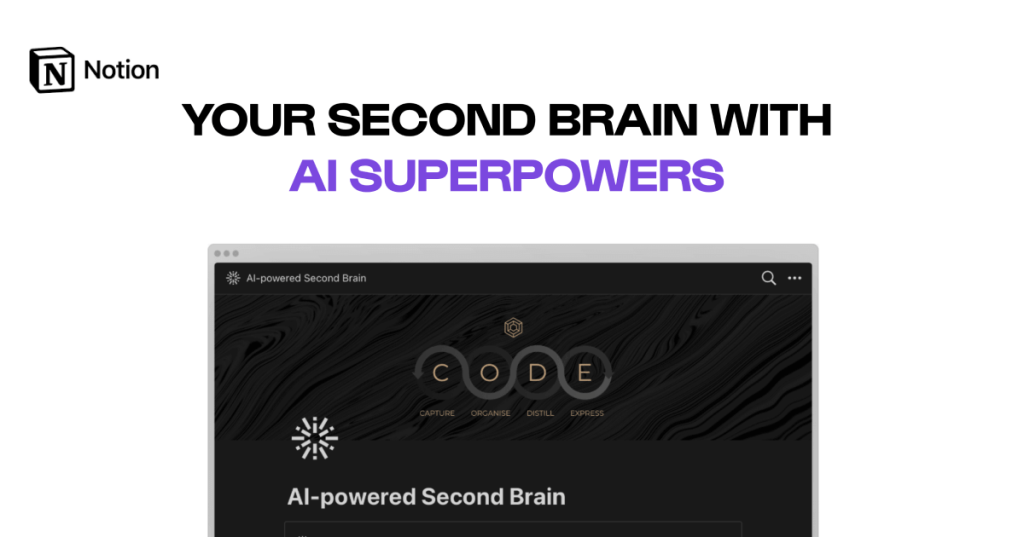
🔑 Use it for: Notes, content generation, project tracking
🌐 Link: https://www.notion.so/product/ai
Notion already helps millions manage their life. With Notion AI, you can write content faster, summarize notes, and even brainstorm ideas directly inside your workspace.
✅ Pro Tip: Let Notion AI draft your blog outlines or to-do lists. Just give it a prompt and let it create!
🔍 5. Deeseek – Discover the Right AI Tool for Anything
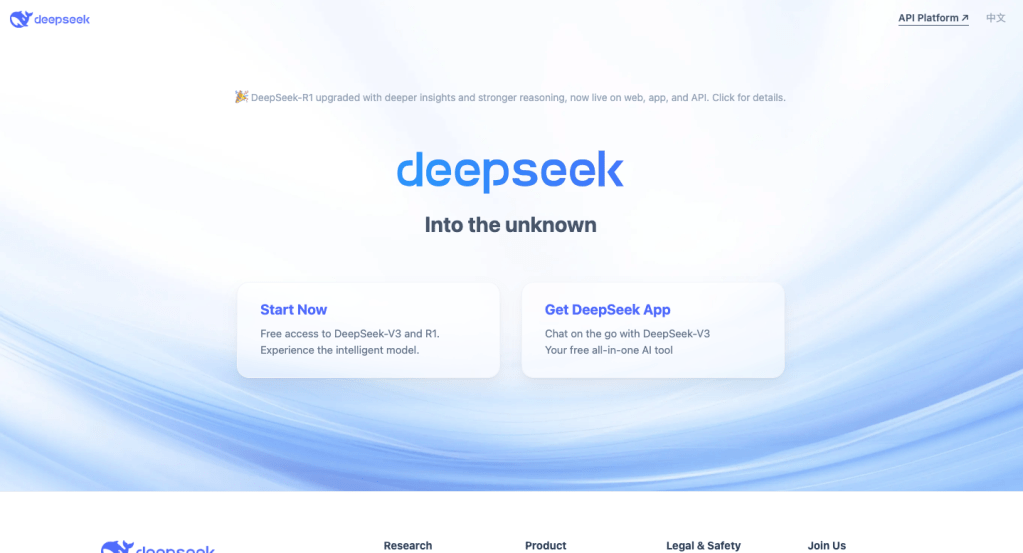
🔑 Use it for: Finding the best AI tools for your specific needs
🌐 Link: https://deeseek.com
Not sure which AI tool does what? Deeseek is like a search engine for AI tools. Just type what you need (e.g. “AI tool for rewriting”) and it will show you the best options.
✅ Pro Tip: Bookmark Deeseek to keep discovering new, trending AI tools as they’re released.
🧠 Final Thoughts
AI tools are not just for tech experts — they’re for everyday people who want to work smarter. By integrating just one or two of these tools into your routine, you’ll start saving time and getting better results.
👉 Which one will you try first?
Let me know in the comments — and don’t forget to subscribe for more beginner-friendly AI tips!






 ShivaAiblog.com
Leave a comment